 One honest number a day.
Spoonwise answers exactly one question — what’s safe to spend today? — without the dashboards, graphs, and guilt that make most budgeting apps unusable for an ADHD or autistic brain.
- Built solo by Holly
- Free · $15 once, yours forever
- Works offline, in your browser
- No account needed

Try the number
This is the whole app in one idea. Spoonwise is built for money that arrives when it arrives — contract checks, gig payouts, support that shows up on its own schedule. Tell it what you have and when more lands, and it stretches that across the gap.
Safe to spend today
$39.00
comfortably covered
This is a sandbox version — nothing you enter is stored or sent anywhere. The app itself only remembers your information if you create an account when you pay for it; otherwise it’s free, and nothing ever leaves your device.
How might we…
…build a budget app that asks less of you on a bad day?
The name comes from spoon theory: energy is finite, and some days there’s less of it. Most budgeting apps assume today is a good day — forty widgets, graphs, a lecture if you look away for a week.
Spoonwise assumes nothing. It meets you at whatever capacity you have, hands you one number you can trust, and lets that be enough.
How it’s different
A short comparison, written with real affection for the apps that didn’t work for me.
Most budgeting apps
Spoonwise
Open to a dashboard of charts
Opens to one number
Assume today is a good day
Asks how much detail your brain wants today
Scold you for last Tuesday
Lets tomorrow start fresh
Want your bank login
Never sees your accounts
Charge monthly, forever
Costs $15, once
Use red and urgency to keep you checking
Treats the number as a signal, not a verdict
Use streaks and guilt to bring you back
Has Penny, who is just glad you came back
A look inside
The whole app is a handful of screens. Here are most of them, all running the same made-up budget.fake budget, real app
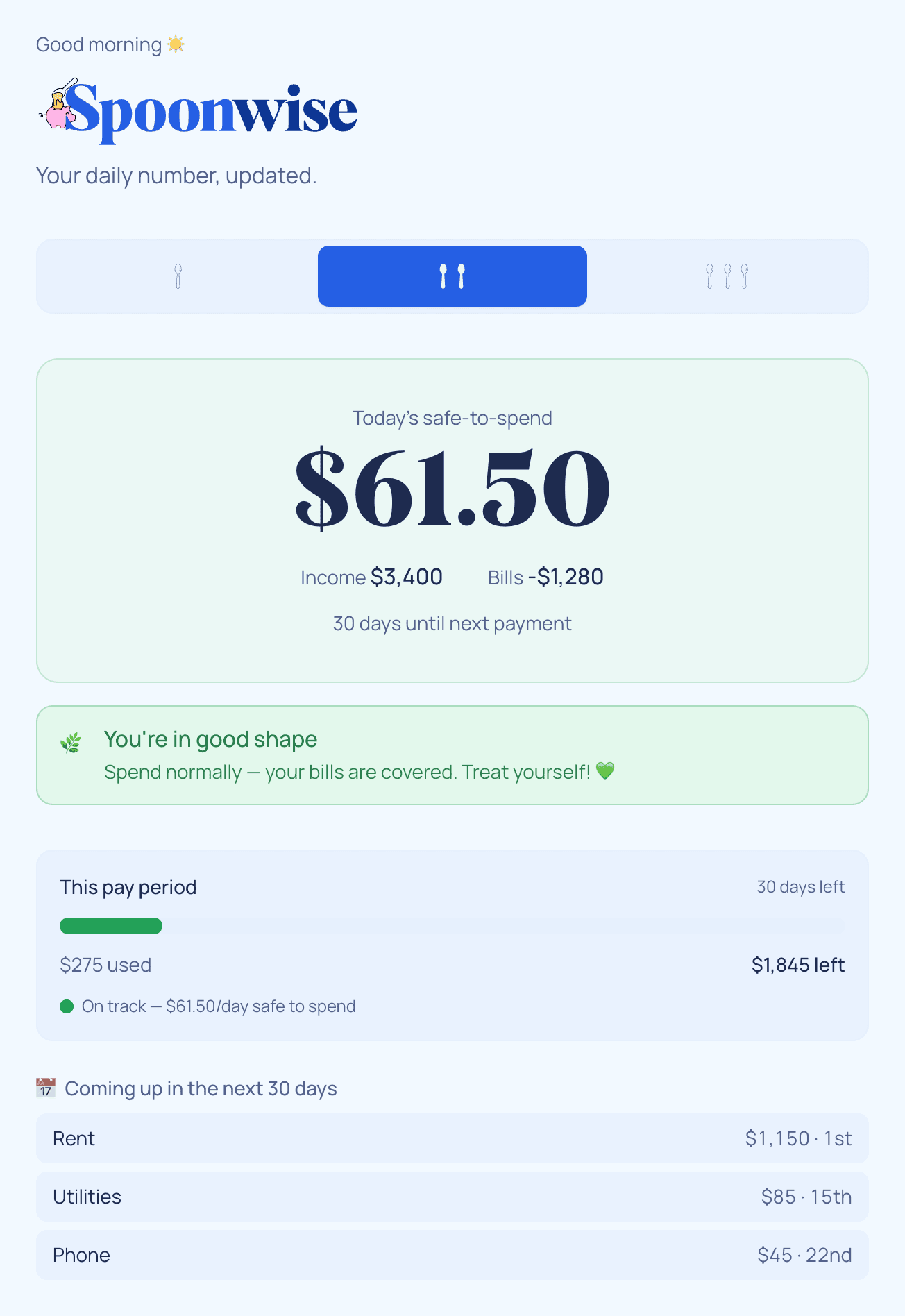
The number. This is the whole home screen on purpose. 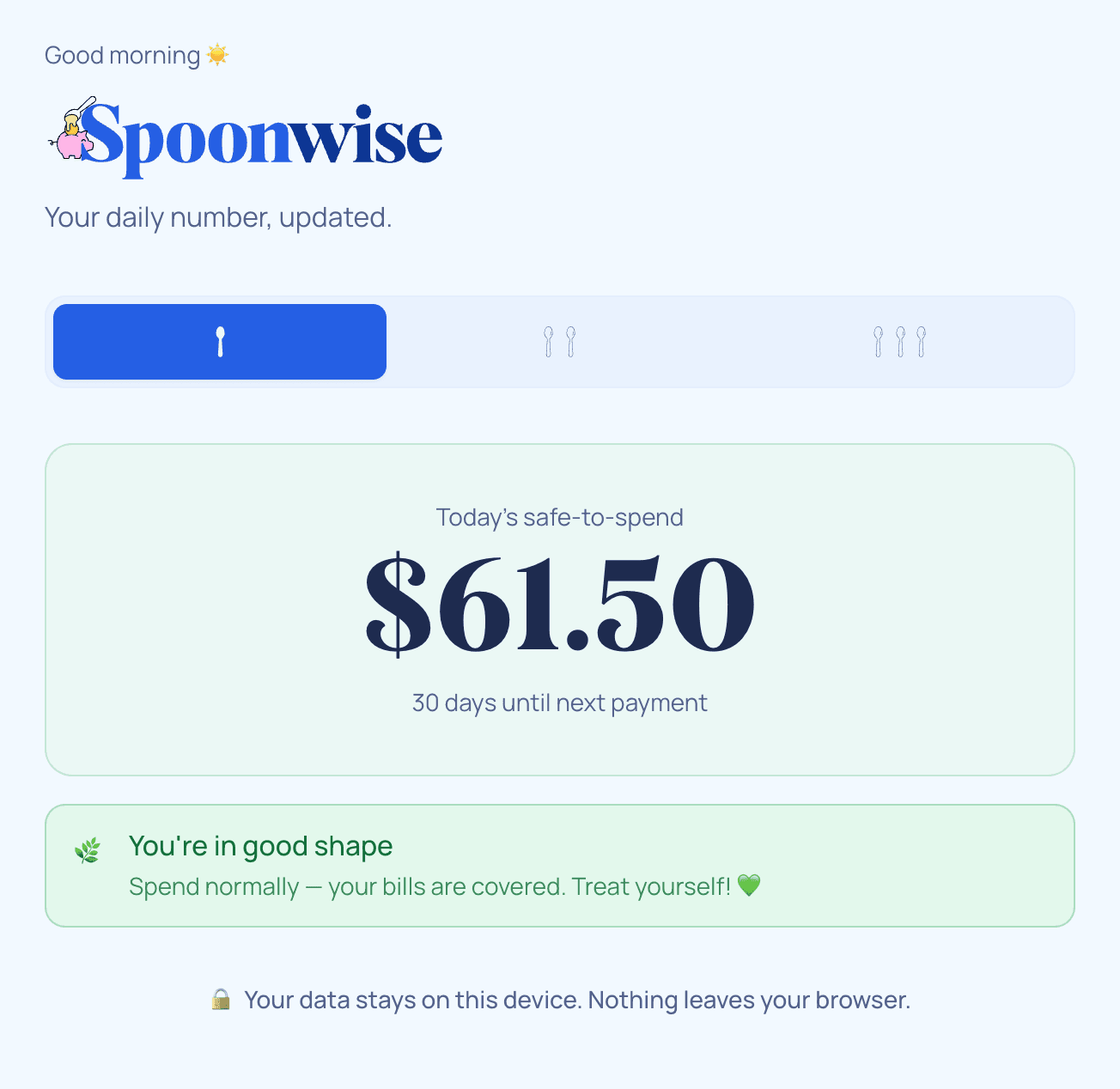
Three spoons views — you pick the detail, never the app. 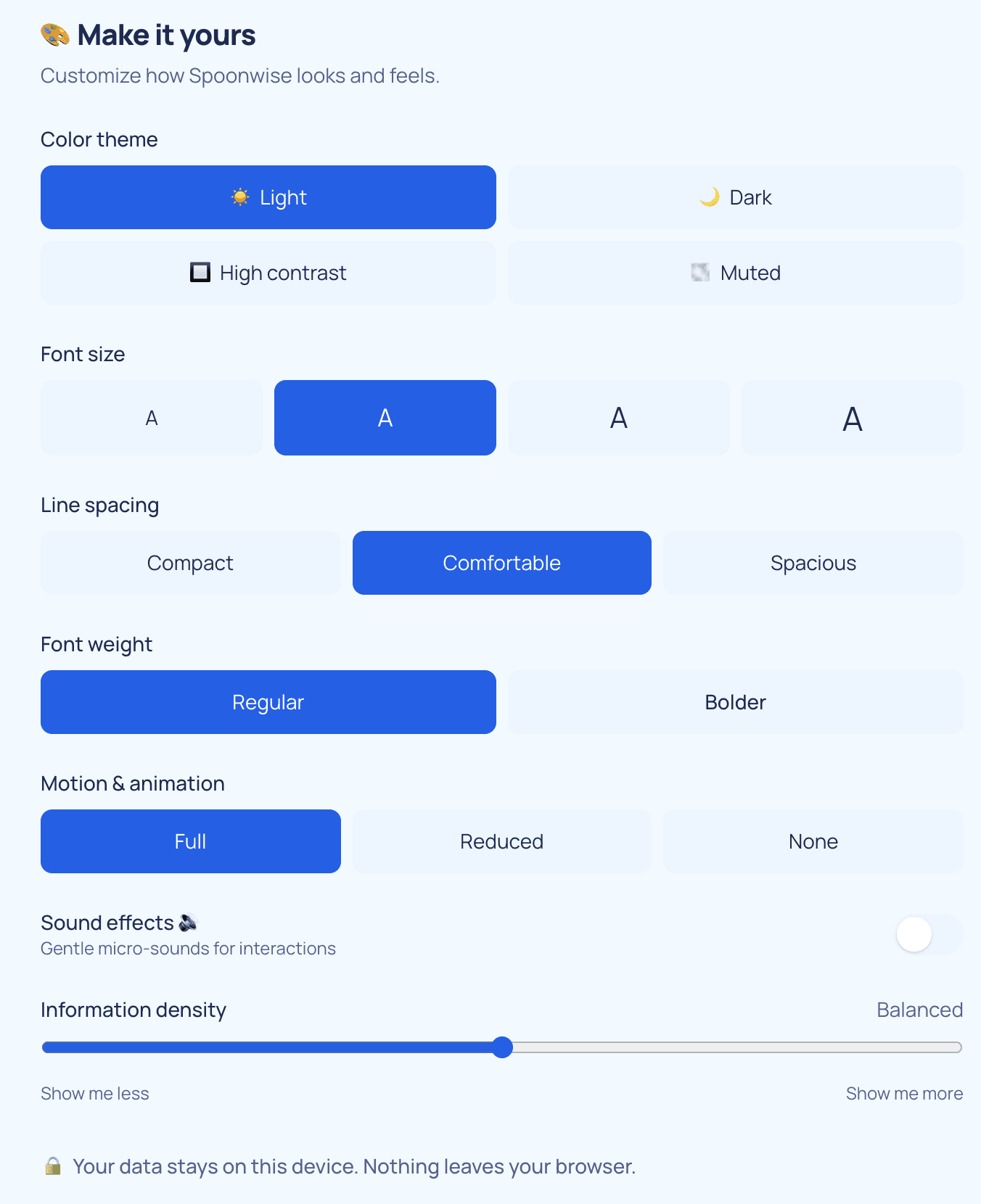
Sensory settings, because accessibility is a feature. 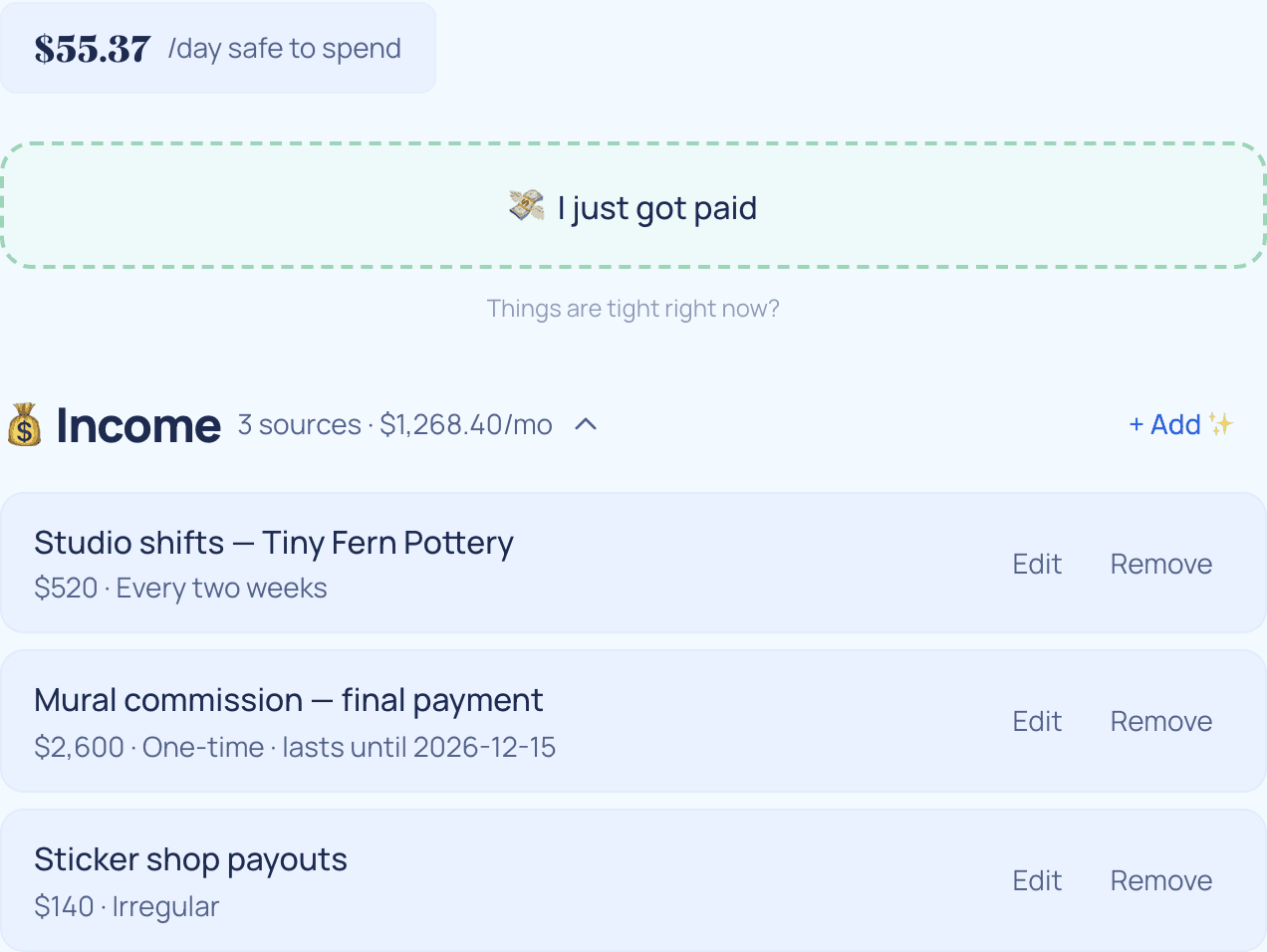
Income that arrives weird on purpose: biweekly, one-time, irregular. 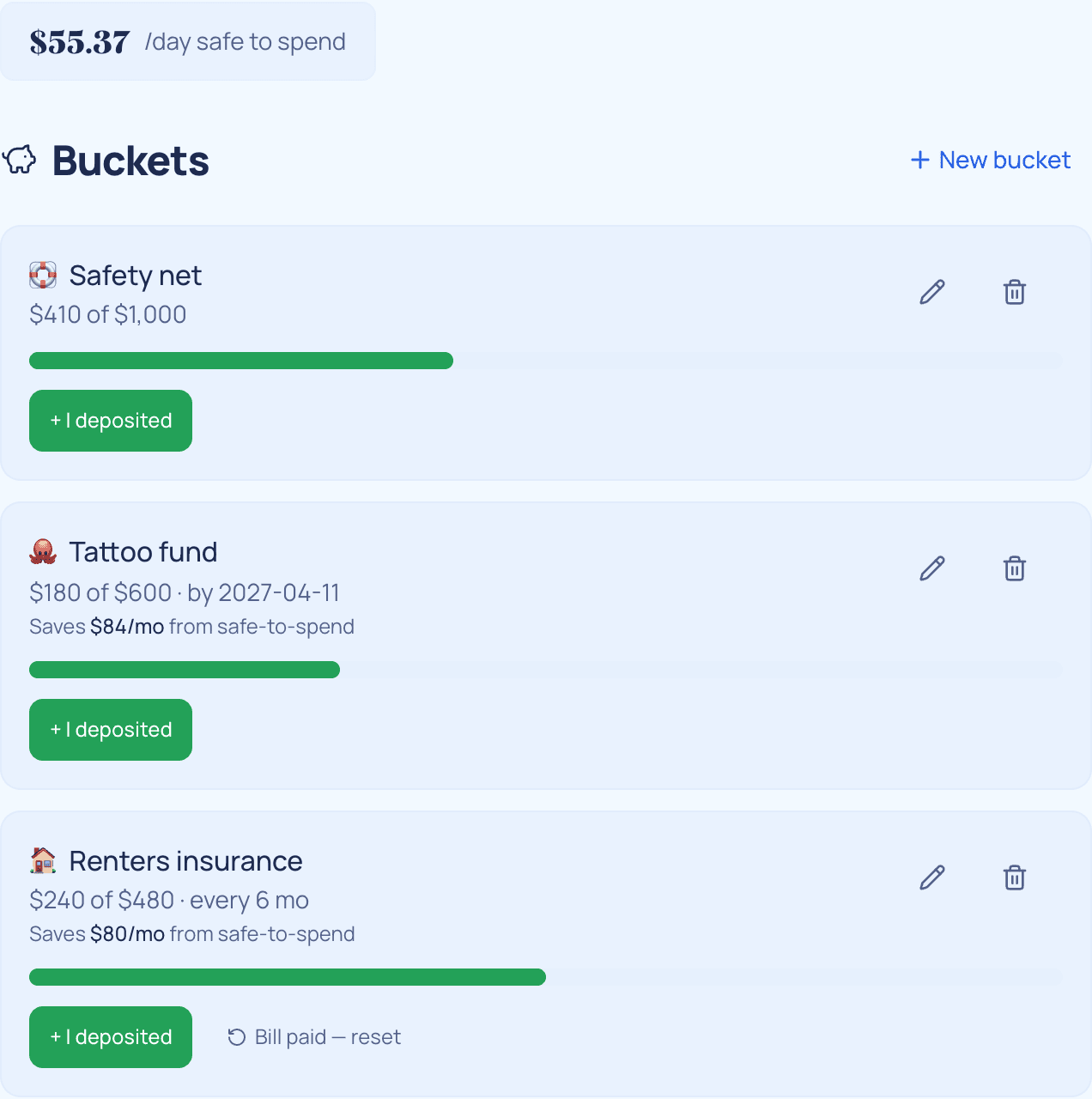
Buckets — name a goal and the number quietly makes room for it. 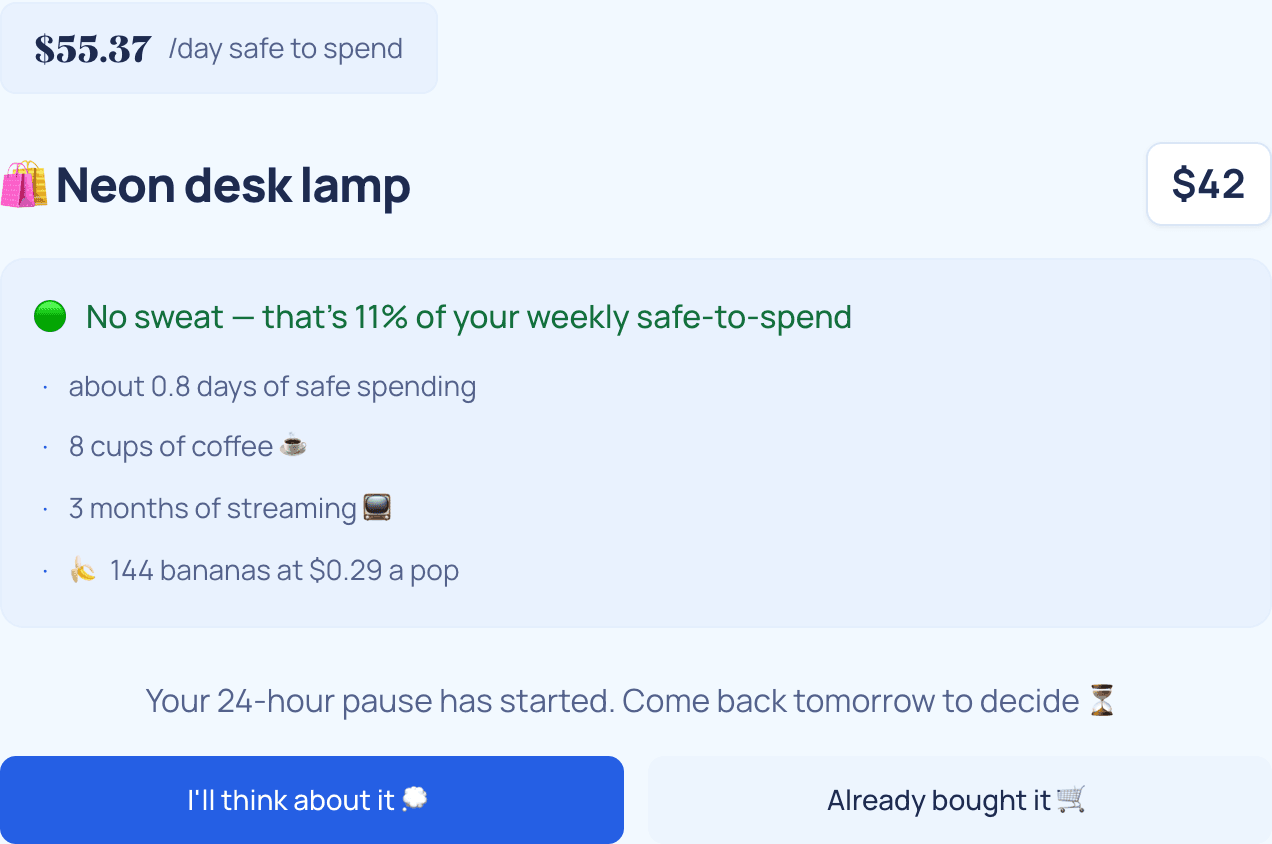
The impulse buffer, pricing a lamp in coffees and bananas. 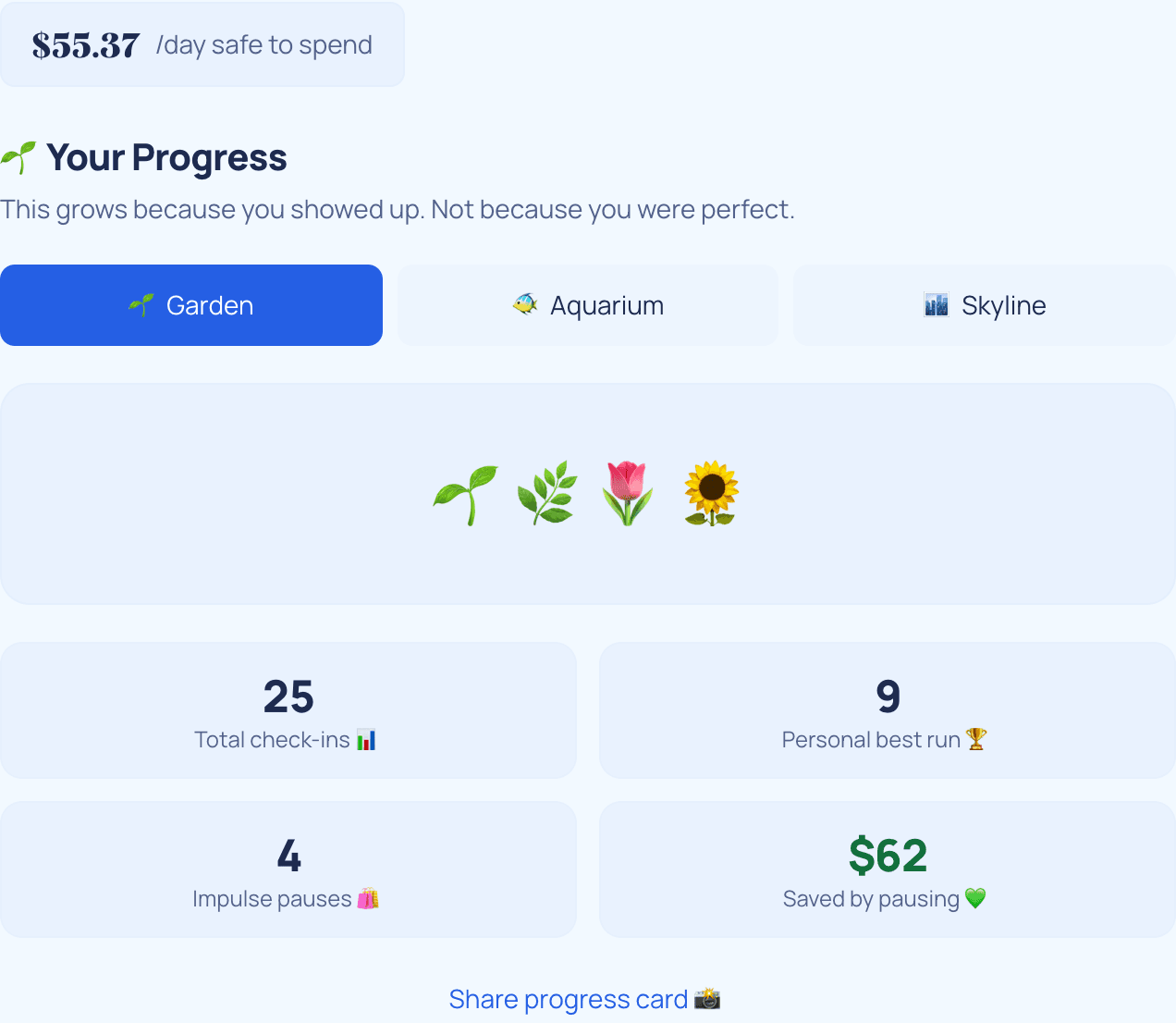
Progress grows because you showed up, not because you were perfect.

Your money stays in your bag.
Your budget data lives on your device and never leaves it. No account, no cloud, no “we value your privacy” banner doing heavy lifting. Close the tab and it’s still yours; go offline and it still works.
What’s inside
The daily number is the front door. Behind it sits a small set of tools, each one built for a brain that budgeting apps usually ignore.
The impulse buffer
Park a want for 24 hours. If tomorrow-you still wants it, it was probably real.
Savings buckets
Name a goal, give it a deadline or don't. The daily number quietly makes room for it.
Upcoming bills
What's due before more money comes, listed plainly, so nothing gets to ambush you.
Spoon modes
One number, a little context, or the full picture. You pick the detail level, never the app.
Sensory settings
Motion, contrast, text size, density, sound — all of it adjustable, none of it an afterthought.
Works offline
No account and no cloud. The whole app lives in your browser and keeps working without a signal.
Tap Penny to say hi.
Meet Penny
Penny is the piggy bank in the logomark, and the closest thing Spoonwise has to a staff. In the app she’s a little pixel-art pet who lives on your dashboard, and the one here is the real thing: tap her, feed her, send her out to play.
She runs on one spoonful a day, which is the whole philosophy in a single image: small amounts, no ceremony, kept somewhere safe. You can pet her as often as you like. If you’re away for a few days she goes outside and comes back muddy, delighted with herself, and a quick scrub sets her right.
She has never scolded anyone. There are no streaks to keep, and nothing about her fades while you’re gone. The brand guide still has one rule above the rest: Penny is pink, Penny stays pink.
The sticker sheet
Everything in the kit, peeled off the brand guide.

The logomark The wordmark 
The favicon 
The spoon 
Penny, pixelated
- Blue#255FE4
- Navy#0D3694
- Hot pink#F05D9A
- Purple#5422A8
- Amber#FFC854
- Green#23A158
- Orange#FF6241
Is it for you?
Probably, if…
- money arrives irregularly — freelance, gigs, support, some of each
- budgeting apps have mostly made you feel worse about yourself
- you've abandoned every finance app about a week and a half in
- you want one number you can trust more than forty charts
Probably not, if…
- you want net-worth graphs and investment tracking
- you love linking every account and tagging every coffee
- you're looking for an app that pushes you harder
Both answers are fine. The free version is a complete tool, so finding out costs nothing either way.
What it costs
Free
The daily safe-to-spend number, forever. This is not a trial — the free version is a complete tool, and it stays free.
$15, once
One payment opens the buckets, the impulse buffer, and everything else, for good. There is no subscription to forget about.
What it’s built with
- Next.js + React — the site and the app, one codebase
- TypeScript — static types across the money math — every amount is integer cents, checked at compile time
- Local storage — your data is stored locally only
- Stripe — payment processing for the one-time $15 to unlock the app
- Claude Code — pair programming
- Vercel — hosting
Your number is waiting.
Free to start, works offline, takes two minutes. The daily safe-to-spend is always free; one payment of $15 opens all of the extra features, and you have access forever.
Try Spoonwise in your browser